Gourmet Pizzeria  ·  Est. 1996  ·  Franchise Marketing Hub

Quality Reigns
Supreme

Your complete marketing resource for promoting your Pizza World franchise. Photos, ads, social media content, posters, and more — all in one place.

Scroll
Quality Reigns Get Sauced Gourmet Pizzeria Since 1996 Taste The World Fresh Tastes Better Delivering the World's Finest Flavors Pizza World Has Something for Everyone Everything Fresh Every Day No Exceptions The BIG World Challenge Quality Reigns Get Sauced Gourmet Pizzeria Since 1996 Taste The World Fresh Tastes Better Delivering the World's Finest Flavors Pizza World Has Something for Everyone Everything Fresh Every Day No Exceptions The BIG World Challenge
Fresh gourmet pizza
30+ Years
Strong

Welcome to Pizza World's Marketing Hub

Here you'll find everything you need to promote your Pizza World franchise and grow your business. Product photos, social media posts, print ads, posters, and more — all ready to use. Simple, fast, effective.

It's simple to use — just copy and paste. We've done the creative work so you can focus on what you do best: crafting pizza your community craves.

1996
Est. Year
100+
Assets Ready
6+
Platforms Covered

Everything You Need to Promote Your Business

Browse your full library of franchise marketing assets, organized for quick access.

Product Photos
Visual Assets
Product Photos
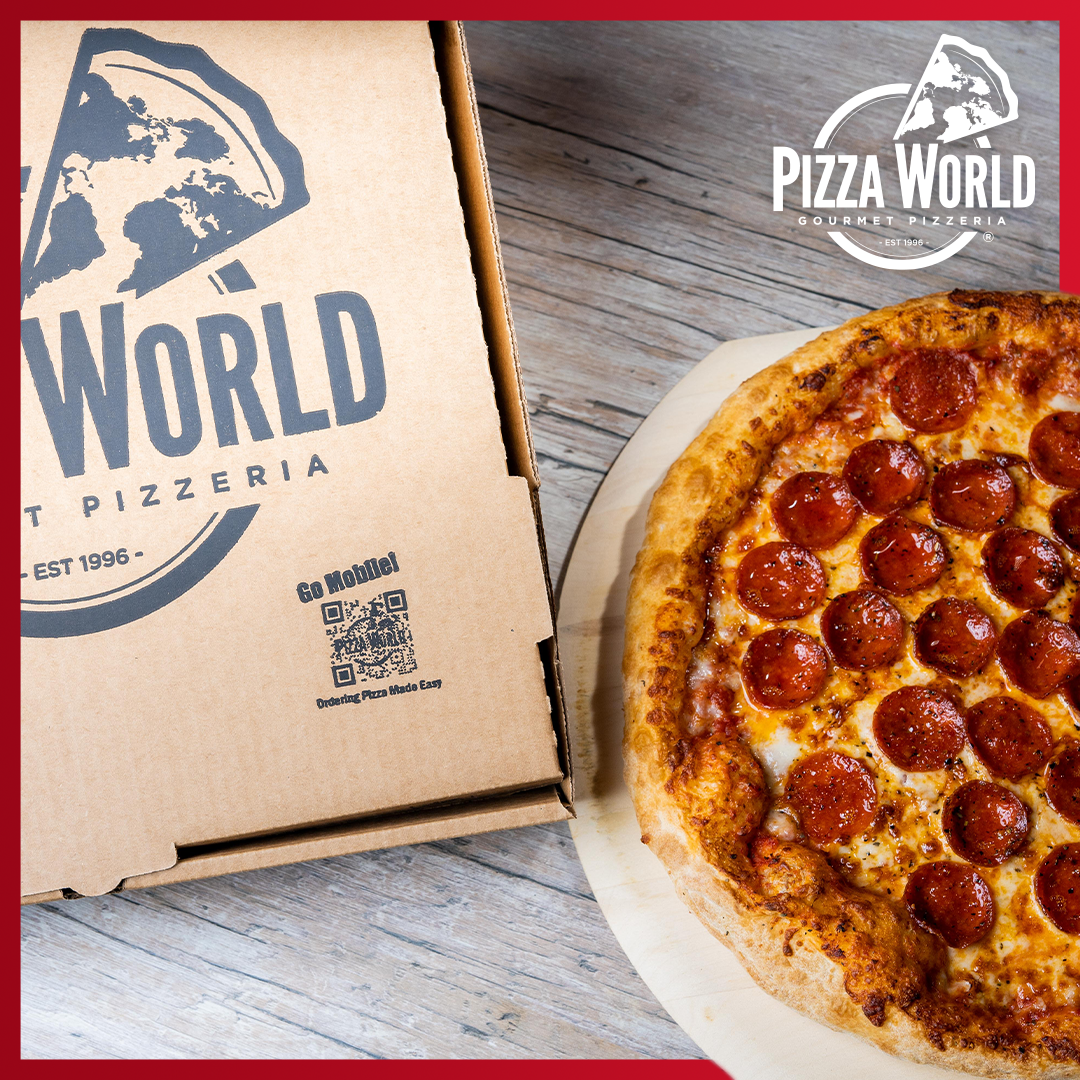
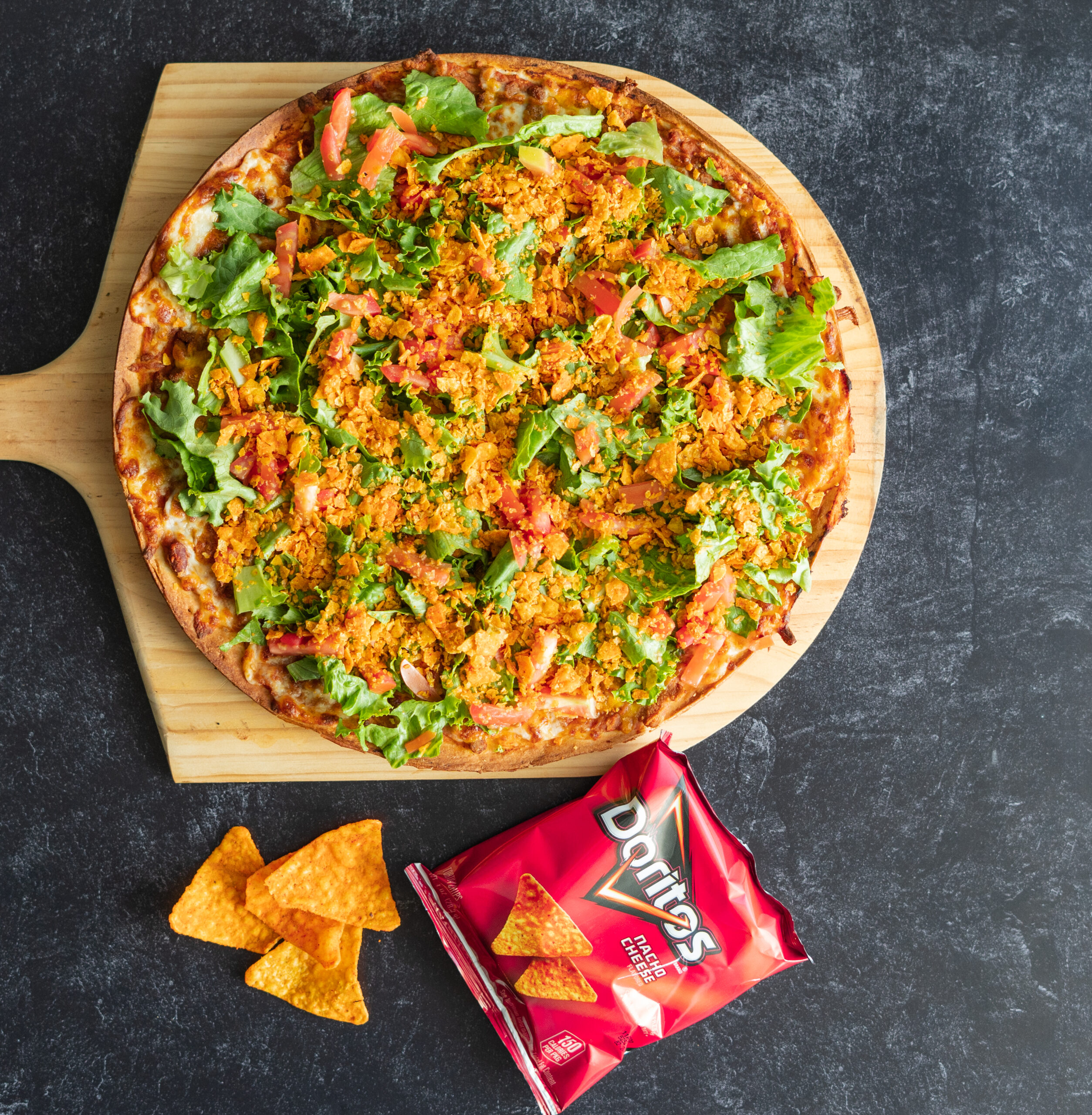
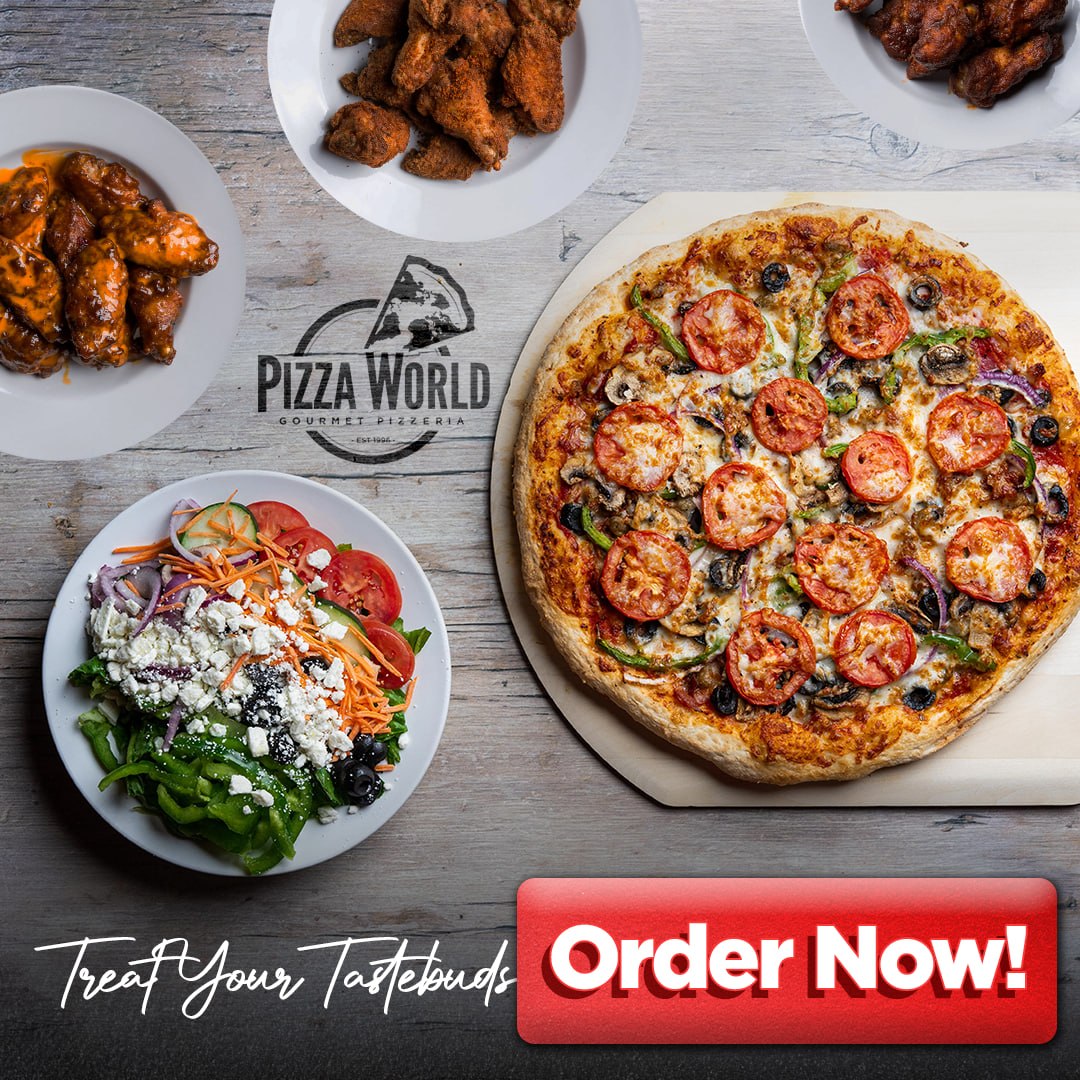
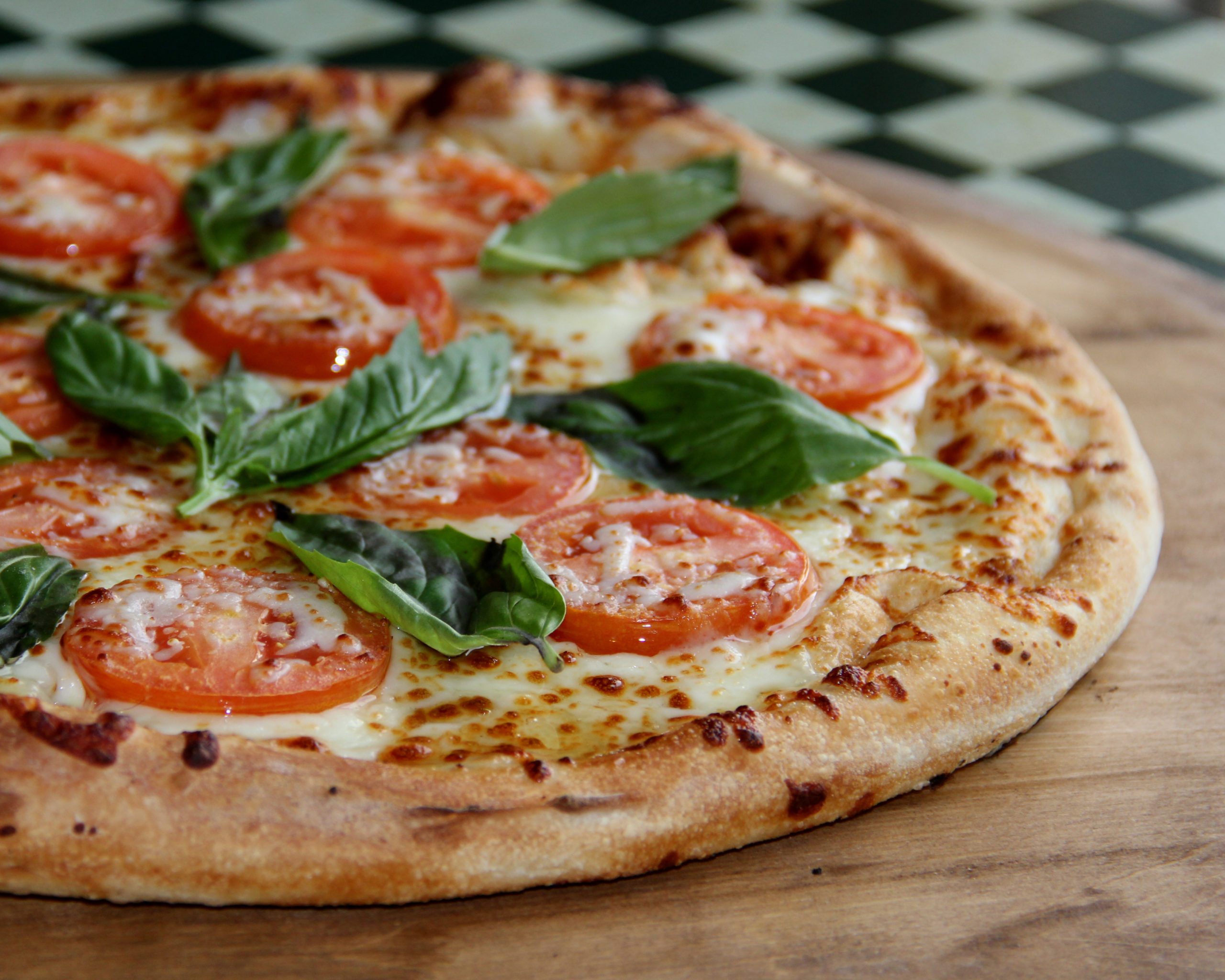
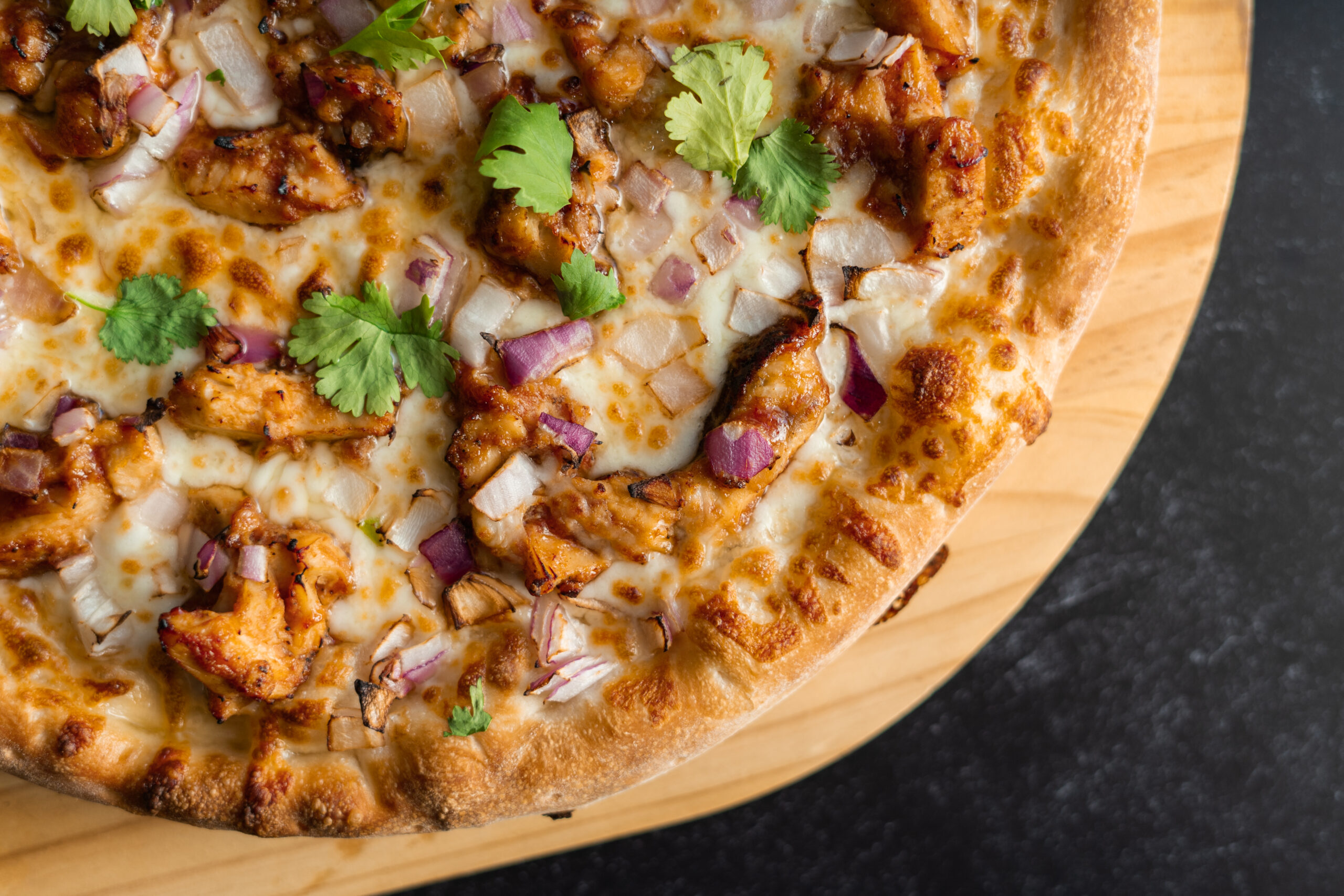
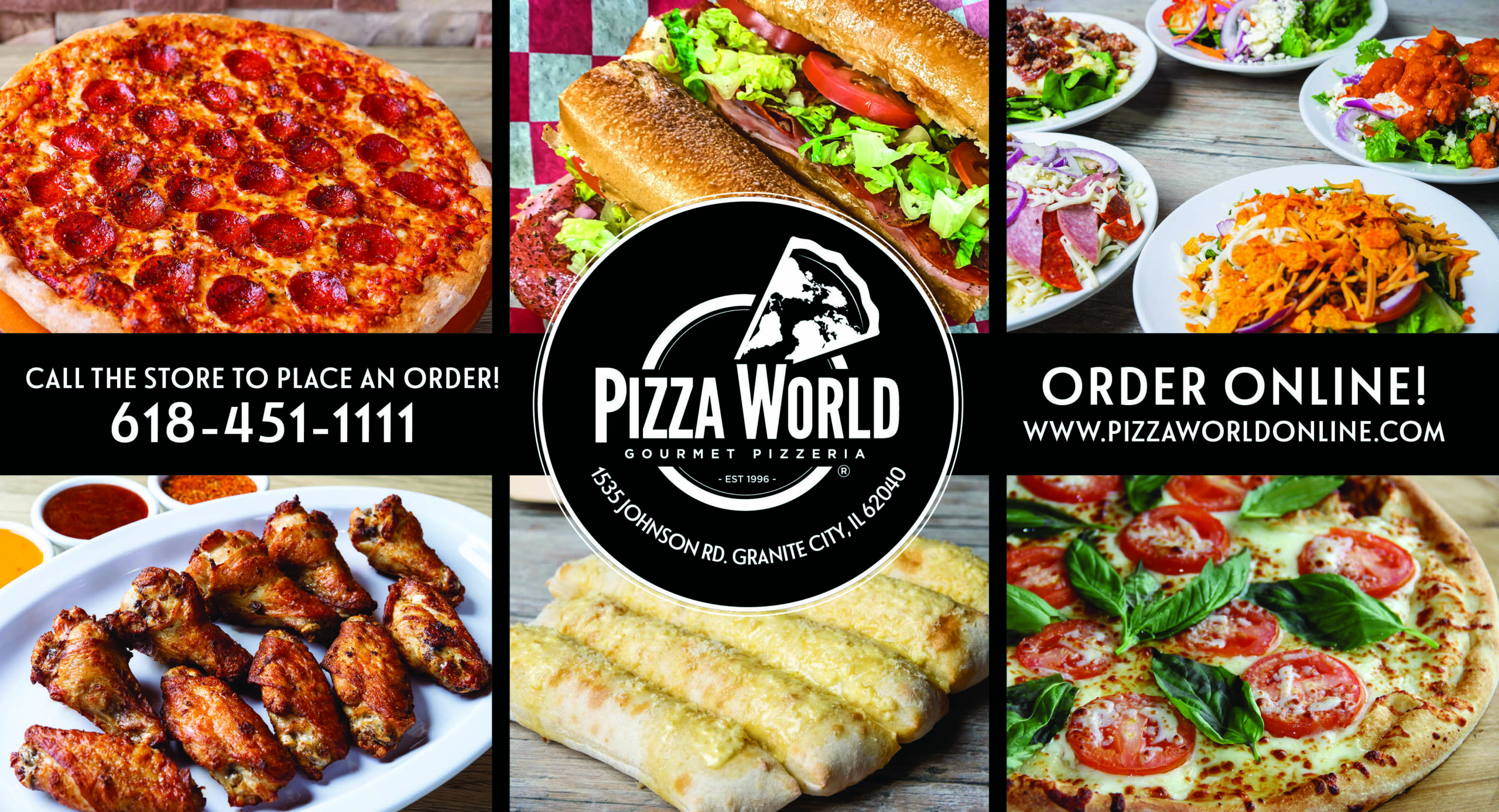
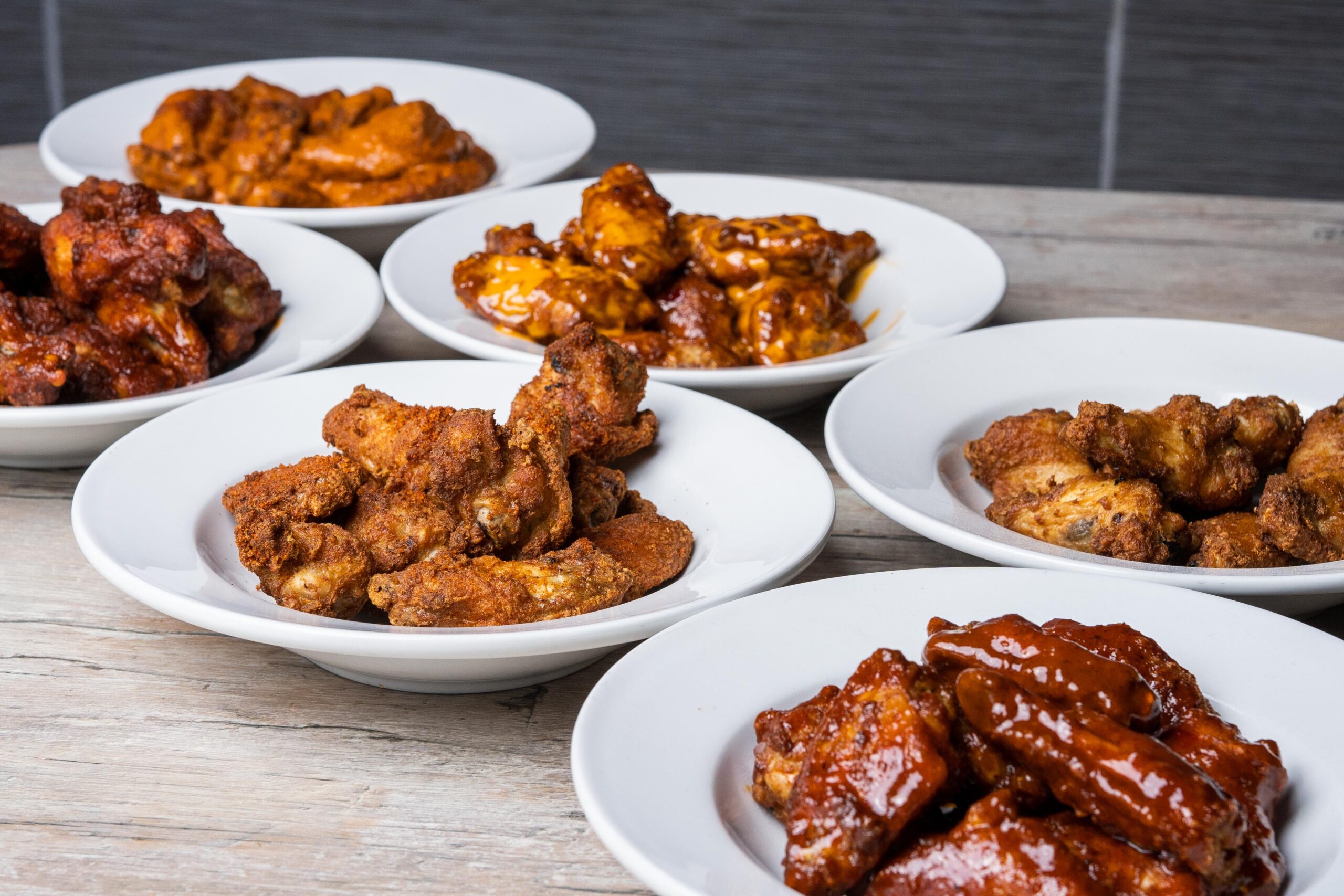
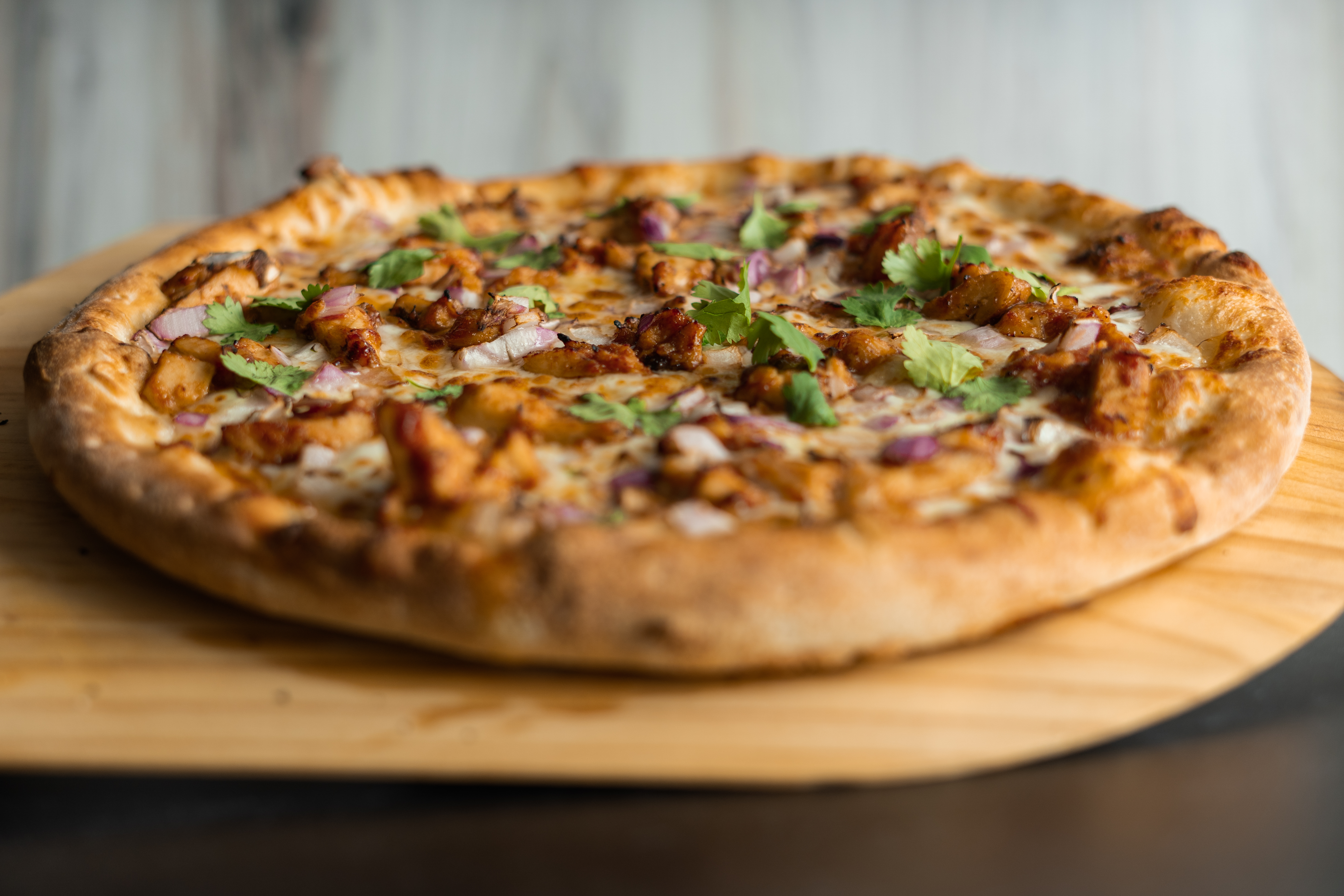
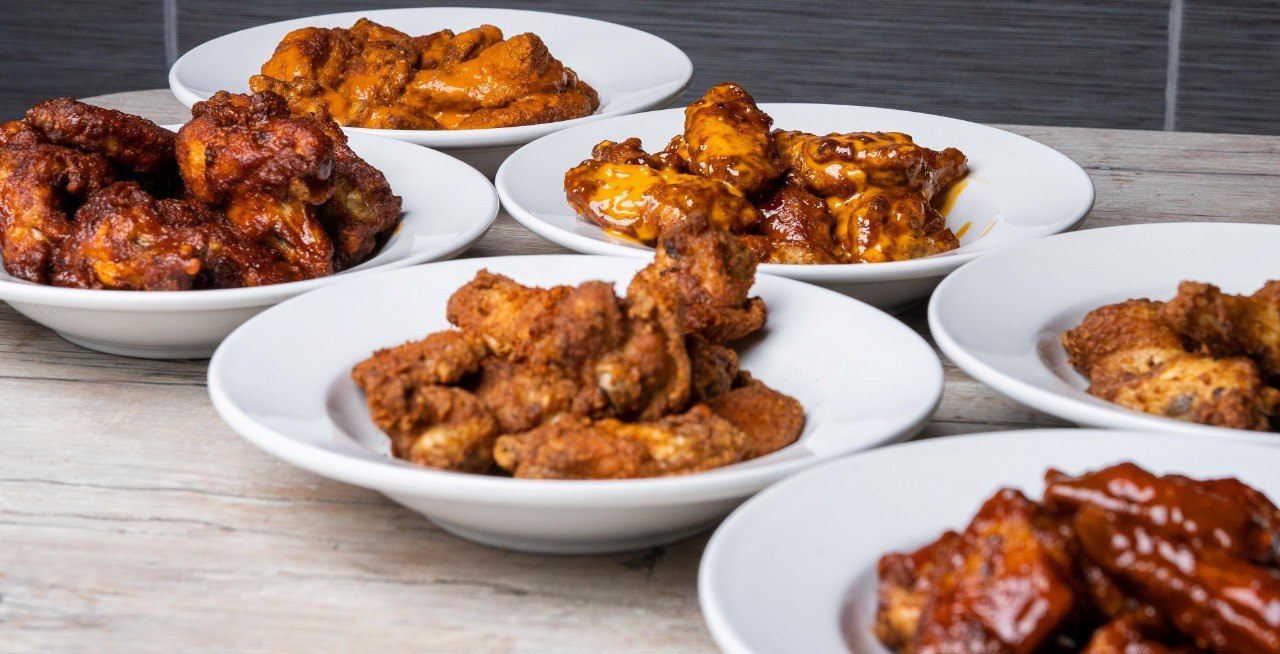
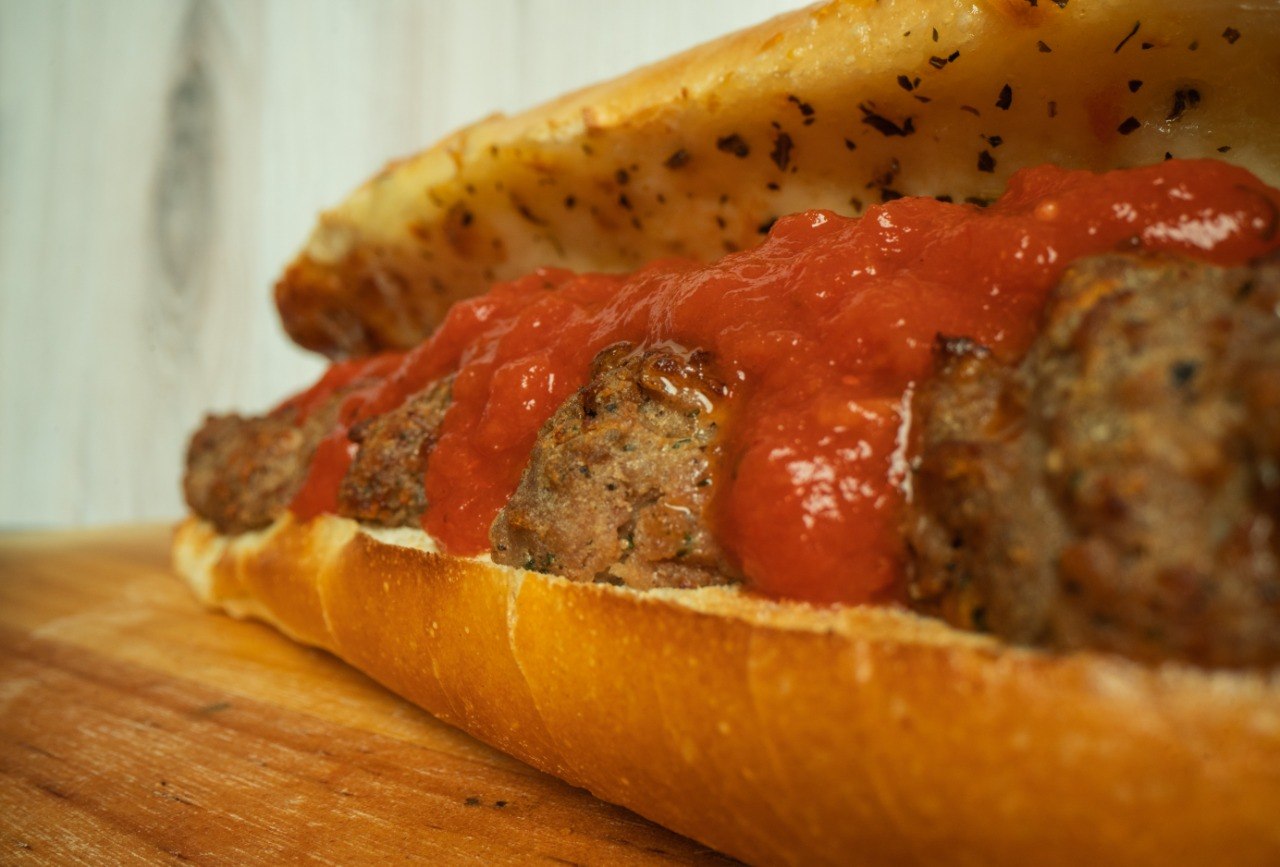
Professional photos of pizza, wings, subs, salads, pasta, ravioli, calzones, and more — ready to post or print.
Browse Photos →
Social Media Images
Social Media
Social Media Images
Pre-designed, eye-catching images for Facebook and Instagram. Copy, post, and engage your audience instantly.
View Images →
Post Text Library
Content Library
Post Text Library
50+ ready-to-copy social media captions organized by category. Search, filter, and paste — no writing needed.
Browse Posts →
Email Templates
Email Templates
Email Templates
Pre-written email campaigns with subject lines and body copy. Promotions, win-backs, seasonal, loyalty — ready for Foodtec.
View Templates →
Marketing Calendar
Strategy
Marketing Calendar
Your monthly marketing roadmap. Know exactly what to post, email, and promote — with dates, ideas, and templates linked.
View Calendar →
Pizza World Pulse Newsletter
Franchise Updates
Monthly Newsletters
Public/unlisted monthly franchisee updates built for text-message sharing. Hub links still require login.
View Archive →
Branding Kit
Brand Assets
Pizza World Branding Kit
Official logos, fonts, color palettes, and brand guidelines. Everything you need to stay on-brand across all your marketing.
Open in Drive →
Direct Mail
Direct Mail
Direct Mail Postcards
Get more customers with weekly direct mail. Professionally designed postcards delivered straight to your neighborhood.
Learn More →
Reels and Videos
Video Content
Reels & Videos
Engaging short-form video content for TikTok, Instagram Reels, and Facebook — ready to download and share.
View Videos →
Posters
Print
Posters
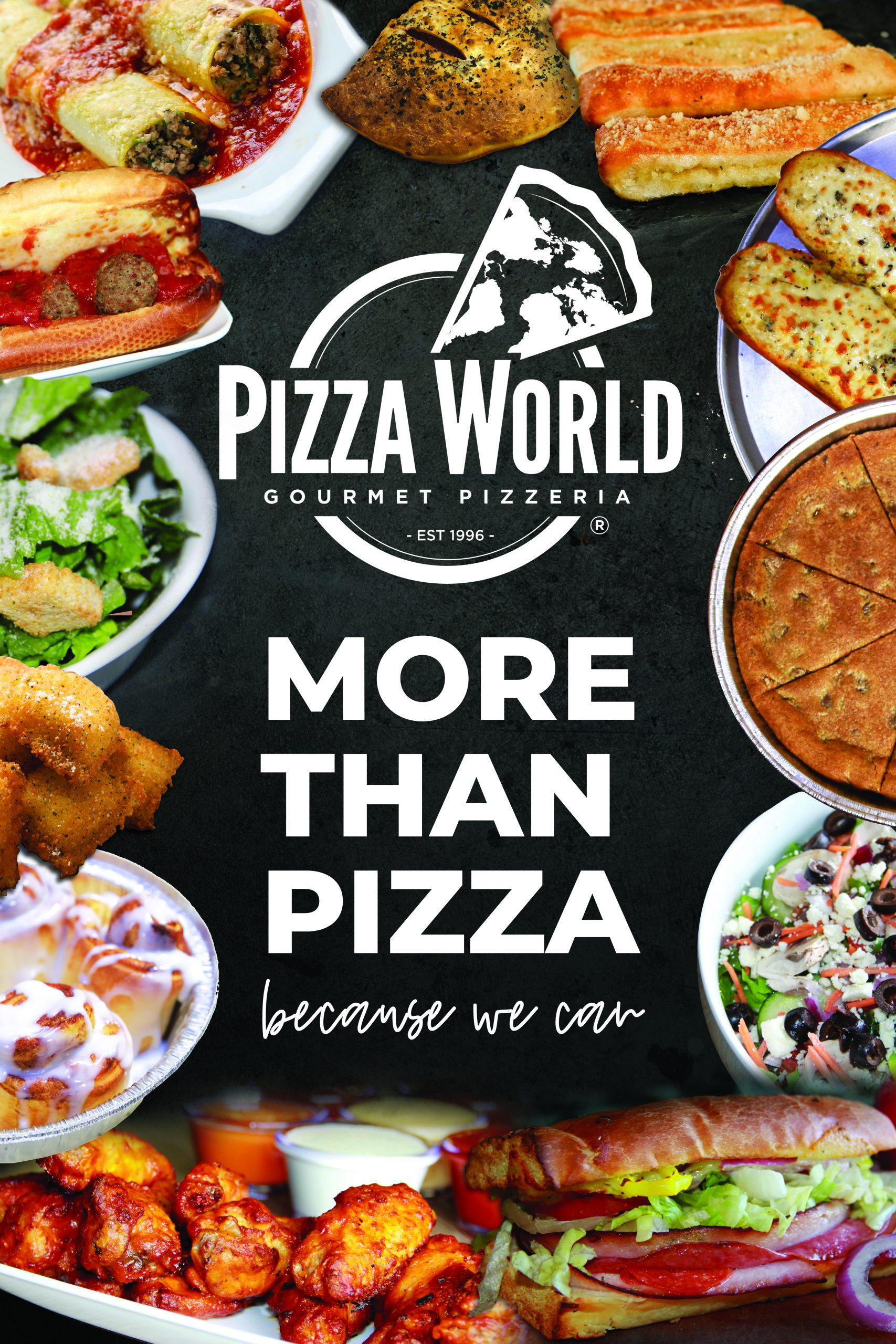
High-resolution posters for in-store displays, window signage, and community bulletin boards.
Browse Posters →
Operations App
Operations
Operations App
Daily opening, closing, and cleaning checklists plus recipe cards. Store access is tied to each owner’s login.
Open Operations →
POS Training Videos
Education
POS Training Videos
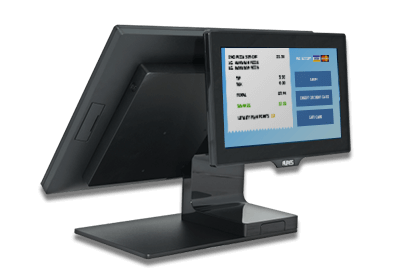
Step-by-step POS training videos to keep your team confident and efficient at the register.
Start Learning →
Connect & Grow

Your Social Media Platforms

Resources optimized for every major platform your customers are on.

📘 Facebook 📸 Instagram 🎵 TikTok 🐦 Twitter / X 📍 Google Business

⚙ Set Up My Links →

How to Use Your Social Media Hub

Connect your store's social accounts so your team can access everything from one place. Takes about 2 minutes.

1

Click "Set Up My Links"

Tap the red ⚙ Set Up My Links → button below the platform badges. This takes you to your link setup page.

2

Paste Your Social Media URLs

For each platform your store uses, paste the full URL to your page. For example:

Facebook: https://facebook.com/YourStoreName
Instagram: https://instagram.com/YourStoreName
Google Business: Search your store on Google Maps, click "Share" and copy the link
3

Hit Save

Click the Save All Links button at the bottom. Your links are saved to your browser — they'll be here every time you log in from this device.

💡 You only need to do this once. Edit anytime by clicking "Edit My Links."
4

Use the Platform Badges

Once your links are saved, the platform badges above become clickable shortcuts — tap any badge to jump straight to that platform. Quick access for your whole team.

5

Share With Your Team

Anyone logged into the Marketing Hub from your store's computer will see these links. Great for managers who need quick access to post on Facebook, respond to Google reviews, or check Instagram.

🔒 Links are stored per-browser, so each location can set up their own.
Brand Voice

Approved Brand Slogans

These are your official Pizza World taglines — use them across all marketing materials to keep messaging consistent and powerful.

Quality Reigns
Get Sauced
Gourmet Pizzeria Since 1996
Delivering the World's Finest Flavors
Taste The World
Fresh Tastes Better
Pizza World Has Something for Everyone
Everything Fresh Every Day No Exceptions
The BIG World Challenge
Feed Your Cravings
More Than Just Pizza
Fuel Your Day
Protein-Packed, Flavor Loaded

Ready to Boost Sales This Week?

Get more customers with weekly direct mail campaigns targeting your local area. Let us handle the creative — you handle the orders.

Get Started with Direct Mail

Insights & Ideas

Expert marketing strategies to help your Pizza World franchise stand out and drive more customers through the door.

DoorDash Drive Can't Hurt Your Business When You Use It the Right Way

DoorDash Drive is not meant to replace the delivery business you already control. Your best delivery orders still come through your own store, your own phone number, your own website, and your own customer relationships. That is where the brand stays strongest and where the store has the most control over service, timing, communication, and repeat business.

The right way to look at DoorDash Drive is simple: it fills the gaps. When the dinner rush hits, a driver calls off, weather slows everyone down, or one big order ties up your team, Drive gives the store another option instead of turning away business, quoting a bad delivery time, or letting the kitchen get blamed for a delivery bottleneck.

Protect Peak Hours Use it when your own drivers are maxed out and the store needs extra delivery coverage.
Keep Orders Moving It helps prevent long waits, missed sales, and frustrated customers during short-staffed shifts.
Stay In Control The order still starts with Pizza World, so the customer relationship stays with the store.

If a store uses DoorDash Drive all the time, that is a sign to review staffing, driver scheduling, delivery zones, and peak-hour planning. But using it as a backup tool does not hurt the business. It protects the business by helping the store say yes to more orders when the normal delivery system is stretched.

The goal is not to depend on Drive. The goal is to keep customers fed, keep orders moving, and use every available tool wisely when the store needs help filling in the gaps.